
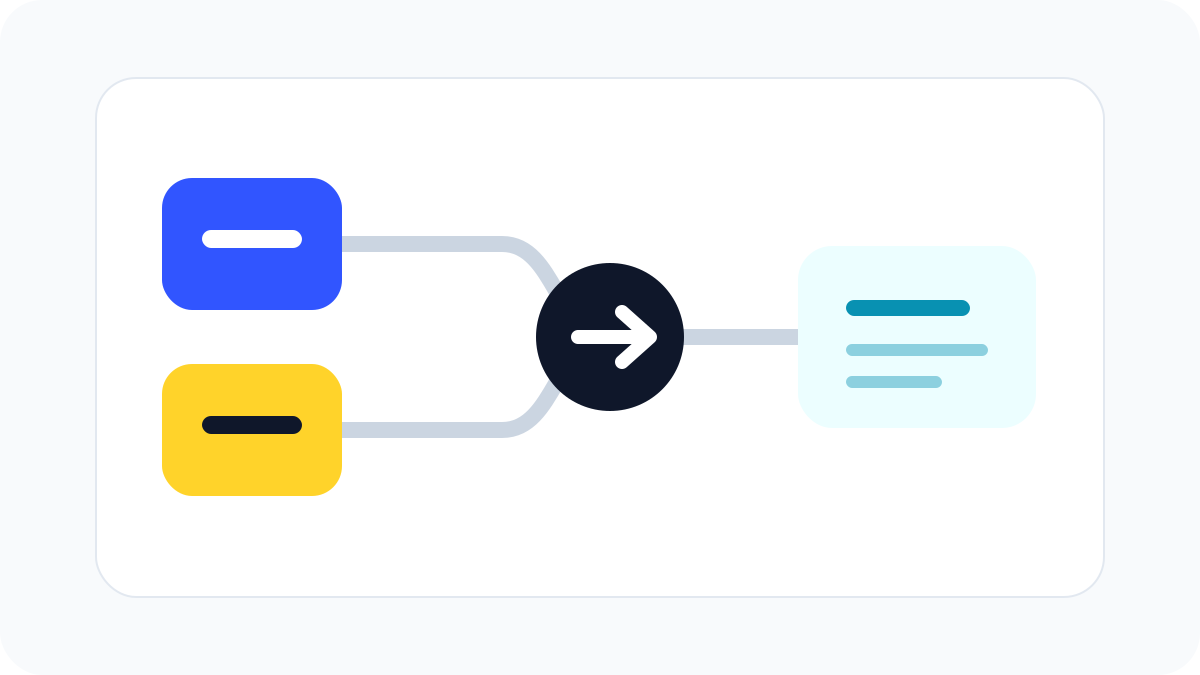
Automation is most useful when it removes repeated manual work. It does not need to be advanced to be valuable. A small business can save time by connecting simple steps: collect information, create a task, send a reminder, update a sheet, or organize a file. The best automations are easy to understand and easy to fix.
Start with forms. Many business processes begin with someone submitting information: a customer enquiry, booking request, quote request, partnership idea, or support issue. A form can send the details to an inbox, create a task, add a row to a spreadsheet, and notify the right person. This reduces the risk of missing messages and keeps information in a consistent format.
Follow-ups are another good area. Small businesses often lose time remembering who needs a reply. A simple automation can create a reminder two days after an enquiry, seven days after a quote, or one day before a scheduled call. The message does not need to be fully automatic. Even a reminder to review the case can prevent opportunities from slipping away.
File organization is a quiet time saver. When a document, image, invoice, or report arrives, automation can save it into a folder with a clear naming pattern. This is useful for receipts, contracts, creative assets, order records, and monthly reports. The less time people spend searching for files, the more time they can spend doing useful work.
Reporting can also be simplified. Instead of manually copying numbers every week, connect the source to a dashboard or spreadsheet. Keep the report focused on a few metrics that support decisions. A report with too many numbers is hard to use. A clear report might show enquiries, completed work, open tasks, revenue, costs, and next actions.
Customer communication needs care. Fully automated messages can feel cold if they are not written well. Start with simple confirmations: "We received your request," "Your booking is confirmed," or "Here is the next step." For more personal situations, use automation to prepare a draft or reminder, then let a person review it before sending.
Internal checklists are another strong use. When a project starts, automation can create a standard set of tasks: collect details, confirm scope, prepare files, schedule review, and send final notes. This keeps quality consistent without forcing someone to remember every step. The checklist can still be adjusted for each project.
Before building automation, write the workflow in plain language. What starts it? What information is needed? What should happen next? Who needs to know? What could go wrong? If the workflow cannot be explained simply, automate only a small part first.
The safest automation strategy is gradual. Pick one repeated task, automate it, test it, and review it after a week. If it saves time and causes no confusion, keep it. If it creates errors, simplify it. Automation should make work calmer, not harder to manage.
Practical checklist
- Begin with forms, reminders, file naming, and reports.
- Keep every automation easy to explain.
- Review customer-facing messages before relying on them.
- Add ownership so someone knows how to fix issues.
- Test with a low-risk workflow first.